Data analysis
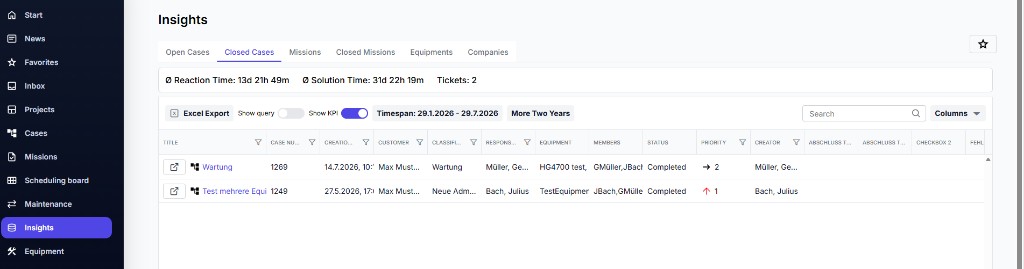
Under Insights (also called data analysis) you’ll find evaluations and metrics for your service activity – e.g. Cases, Missions, and utilization.
Open
- Click Insights in the navigation.
- Choose the desired evaluation / view (e.g. Open Cases, Closed Cases, Missions).
- Filter by time period or other criteria if needed.
ℹ️ Info: Which charts and lists you see depends on your domain configuration and your page permissions.