People
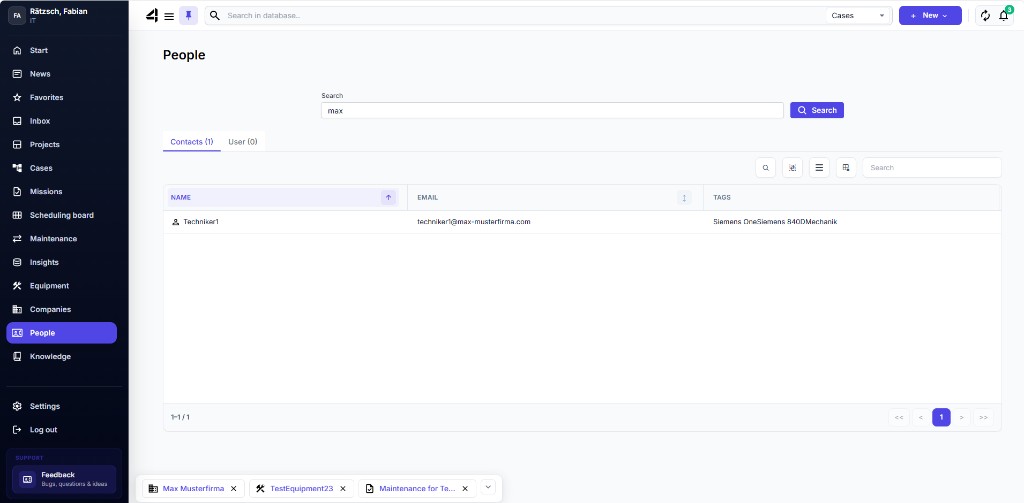
Under People you maintain and find contacts / contact persons – e.g. on the customer side or internal contacts linked to Cases.
Open People
Click People in the navigation or use global search.
Create a contact
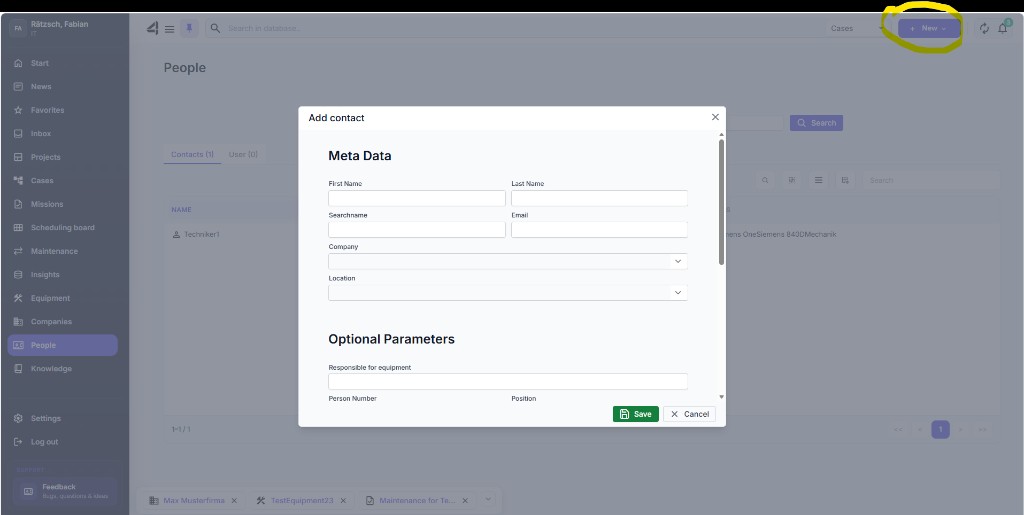
- Click + New at the top right and choose New Contact.
- Fill in the master data (name, contact details, company, …).
- Save with Save.
Contact dashboard
In the dashboard you see master data and can store contributions / files for the contact. Via links you jump to linked companies and Cases.