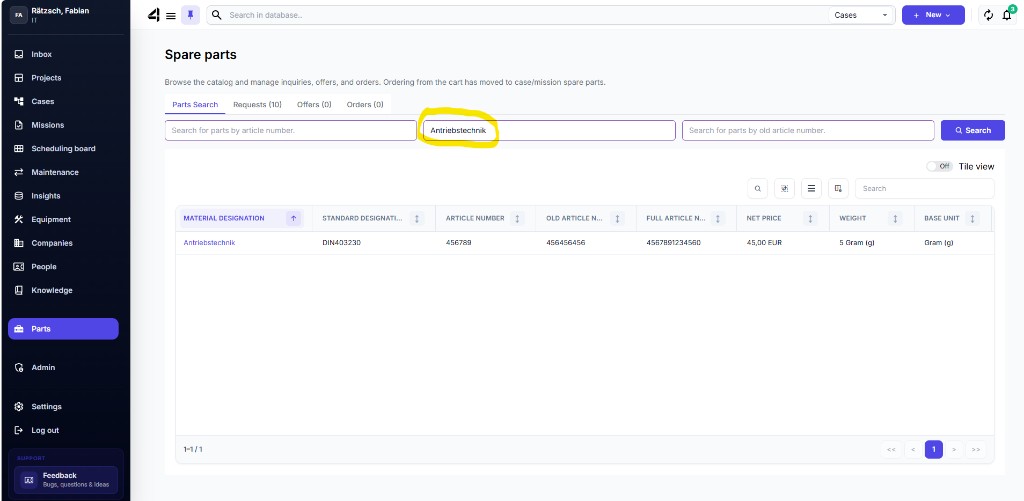
Search spare parts
You’ll find spare parts in the navigation under Spare parts – if license and permissions are available.
Search
- Open Spare parts.
- Use the parts search by Name, Category, or Part number.
- Open a result dashboard for details (product info, images, master data).
- A part number usually returns a unique result.
- Name/category can return multiple results.
In the dashboard you’ll see article number, description, prices, and can set quantities.